
Skip to content

Cart

Your cart is empty

Continue shopping
GhostView product logo

GhostView™ Detachable Privacy Screen Filter

Privacy Filter
Sale price$27.99

A detachable privacy filter that keeps your screen private in public.


Here's how to  ID your Mac

  1. Click the Apple menu
    in the top-left corner of your screen
  2. Select About This Mac
  3. BOO-lah!" 👻
MacBook Size: MacBook Pro 14" (M1-M5 Pro/Max 2021-2026)

MacBook Size

SKU: UPP-GV-21MBP14-PG
Description
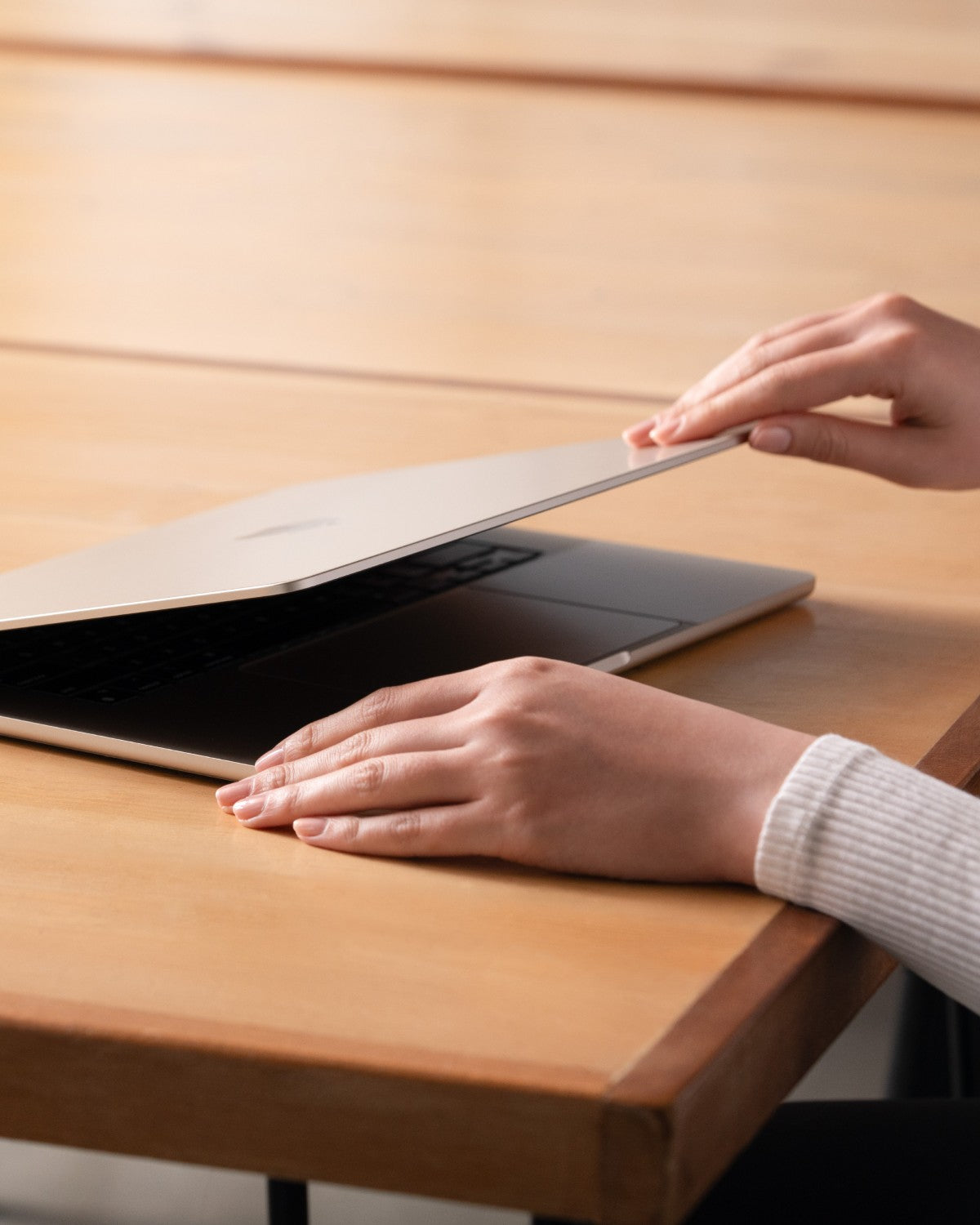
Introducing GhostView™, the ultimate detachable privacy screen filter for your MacBook. In a busy coffee shop or on a flight, GhostView™ ensures your viewing is private, keeping sensitive information secure. It also protects your screen, prevents keyboard imprints, and keeps fingerprints at bay. With its innovative Air-ttach™ mounting system, you can easily apply it bubble-free. Plus, your MacBook will close perfectly with the filter attached. Protect your privacy and your screen with GhostView™!
Features
  • Two-way privacy filter helps keep on-screen information private in public
  • Detachable design lets you add privacy when needed and remove it anytime
  • Air-ttach™ non-magnetic mounting keeps the profile up to 40% thinner
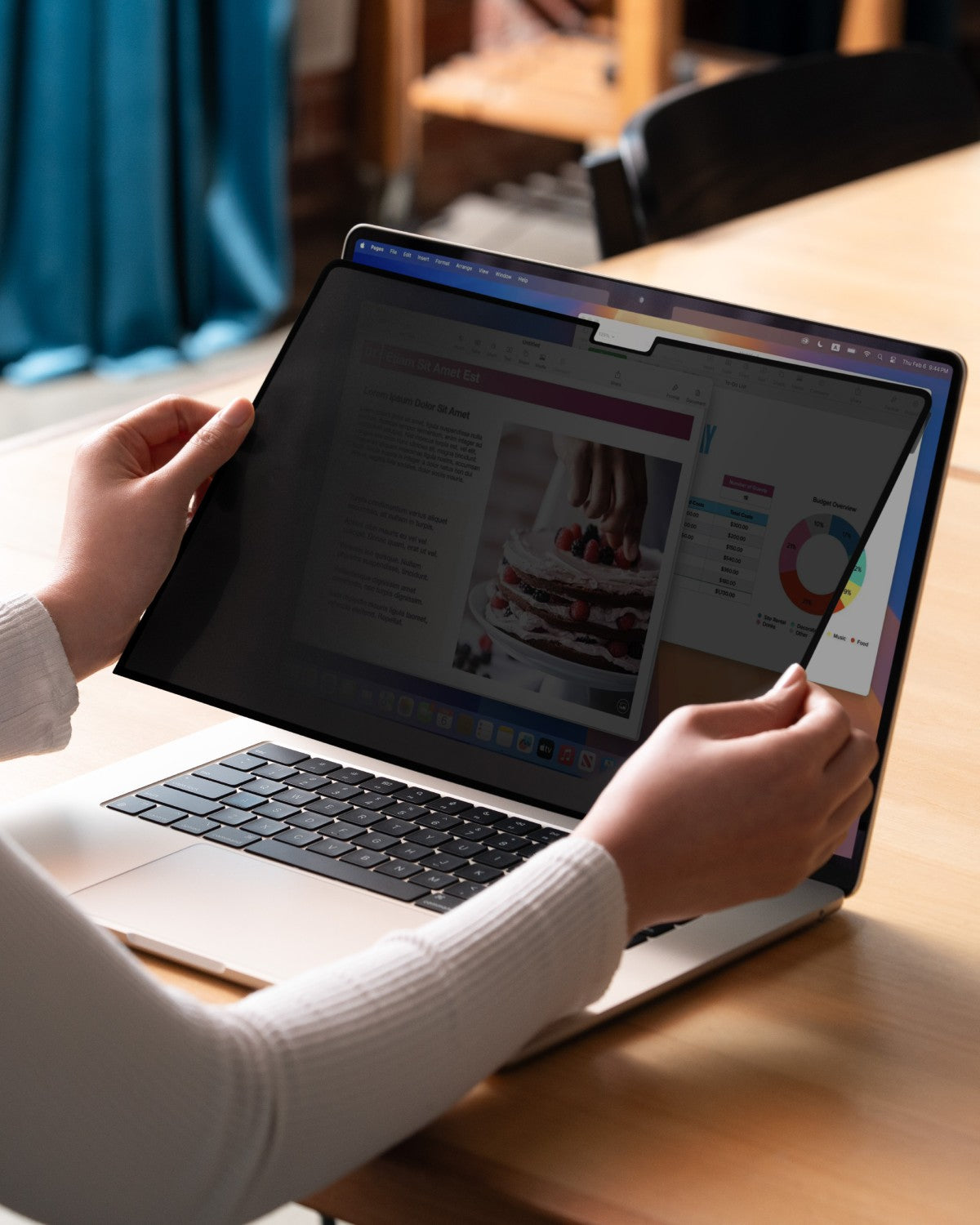
  • Quick press-and-seal application with no complicated setup
  • Precision cutouts leaves camera uncovered
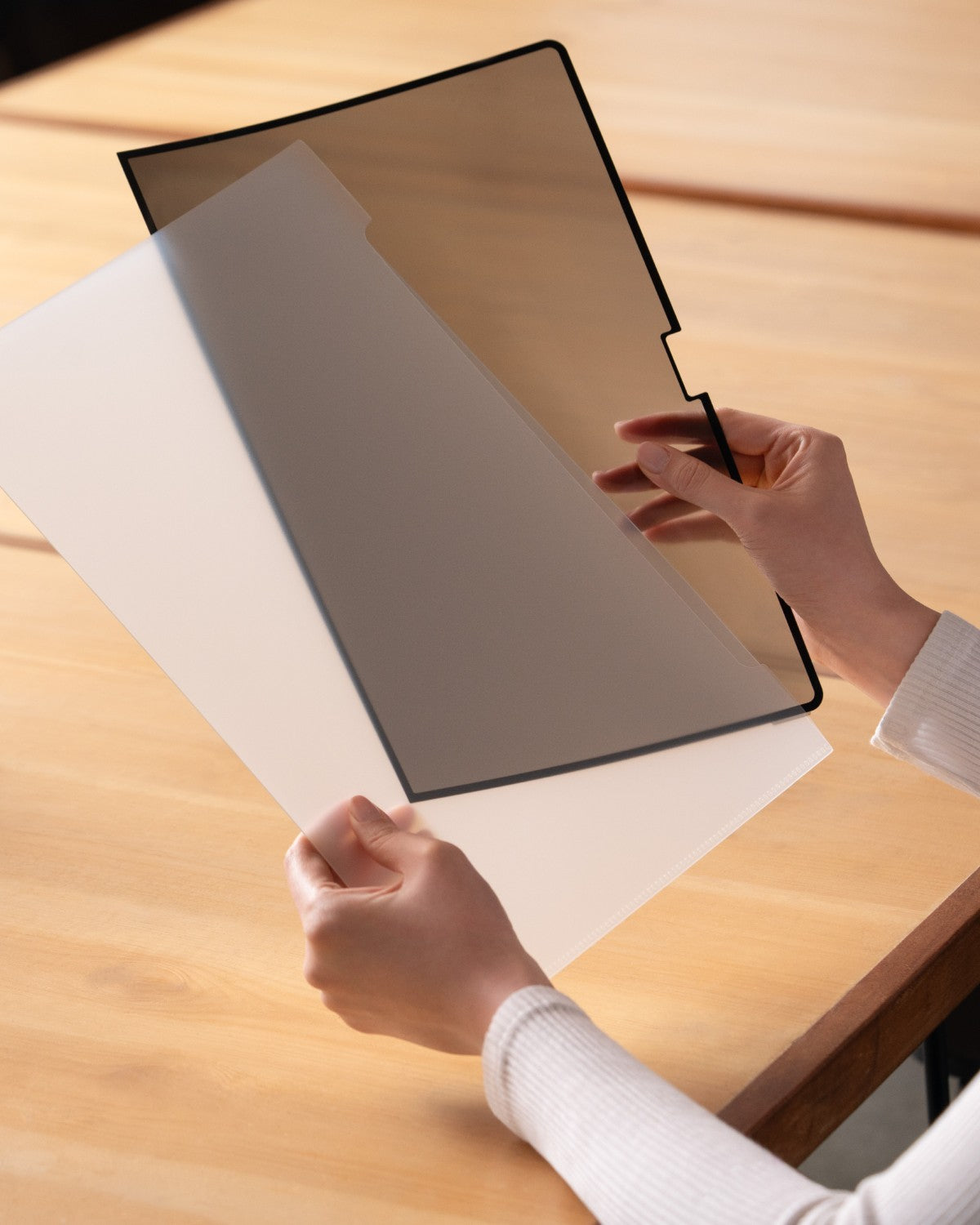
  • Includes a protective carrying pouch for storage and travel
Specifications
  • Material: PET
  • Privacy Filter Type: Two-way
  • Viewing angle: 60 degrees total
  • Mounting: Air-ttach, non-adhesive
  • Thickness: 0.33mm/0.45mm (Privacy Film/Total)
Compatibility

See MacBook Size selection

MacBook Pro with GhostView privacy screen filter attached, display darkened when seen from an angle
GhostView™ Detachable Privacy Screen FilterMacBook Pro 14" (M1-M5 Pro/Max 2021-2026) Sale price$27.99

Peek-proof. Because your business is no one else's.

Features

MacBook with GhostView privacy filter seen from the side in a sunlit room, content on the screen is not visible

Privacy When You Need It

Two-way privacy technology narrows the viewing angle from either side, helping keep sensitive information, emails, and work out of prying eyes when you use your MacBook in public.
Person using a MacBook with GhostView privacy filter at a desk, screen readable straight on

Privacy On Demand

Attach GhostView when you need privacy, then remove it when you want the full brightness and clarity of your MacBook display. No permanent commitment, just privacy when and where you need it.

Hands flexing a GhostView screen protector to show how thin and flexible it is

Thinner by Design

Air-ttach™ uses a non-magnetic mounting system, eliminating bulky magnetic strips for a profile up to 40% thinner than magnetic mount. The result is a cleaner fit that stays closer to your MacBook screen.
Hands putting a GhostView privacy filter into its carrying pouch

Protected Between Uses

The included carrying pouch keeps GhostView clean and protected when it is off your screen, so it is easy to store, carry, and bring along wherever you work.

Questions, Answered

Not seeing your questions?

Contact us
How does GhostView keep my screen private?

Its two-way privacy filter narrows the viewing angle from either side, making the screen only viewable straight on from your eyes only, helping keep your on-screen information out of view in public spaces.

How does Air-ttach™ work without magnets or adhesive?

Air-ttach™ uses a nano-suction, press-to-seal mounting system that grips along the screen edges like suction cups without magnets or traditional adhesive. Make sure to keep the strip clean for it to adhere correctly, allowing quick, bubble-free attachment and easy removal.

Will GhostView affect screen brightness or image quality?

Like all privacy filters, GhostView slightly reduces brightness and viewing clarity in exchange for a narrower viewing angle. Simply increase your screen brightness as needed.

Can I close my MacBook with GhostView attached, and will it protect against keyboard marks?

Yes. GhostView’s ultra-thin design allows the MacBook to close normally while adding a protective layer between the display and keyboard to help prevent contact marks and scratches.

Does GhostView affect the webcam or sensors?

No. Precision cutouts keep the webcam and sensors unobstructed so they can continue working normally.